Notice:
Transparency is important to me. Some of the links below are affiliate links.
If you choose to buy through them, I may earn a small commission at no extra cost to you.
I only recommend tools and hardware I have tested or actually use in my own workflow.
I’ve almost pulled the plug on my independent merch store three times.
If you run a Shopify store selling prints, posters, or custom t-shirts, you already know the dark side of the hustle. It’s not the designing that kills your soul; it’s the relentless, time-consuming treadmill of feeding the Instagram and Facebook algorithms just to keep the lights on.
A mistake I made early on was letting the marketing eat up all my creative time. My store started as a way to do something tangible with my illustration hobby. It hasn’t brought me life-changing, quit-my-day-job success, but the extra cash, the learning process, and the visceral feeling of accomplishment when a customer tags me wearing my artwork, that’s worth fighting for.
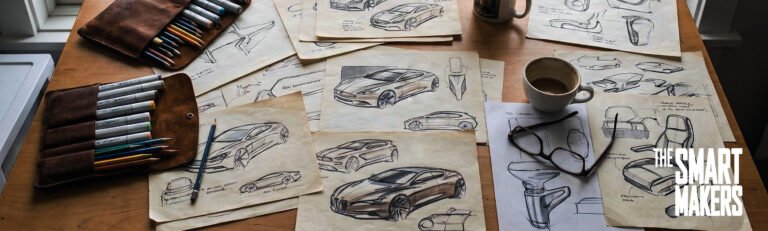
To keep the store alive without burning out, I had to ruthlessly optimize how I take a design from a rough sketch to a final, print-ready PNG.
Here is the exact hybrid hardware and software workflow I use to create standout merch while preserving my sanity.
The Hardware: Untethering the Process
You don’t need to be chained to a desk to run a successful print-on-demand brand. I split my time between two setups, depending on the phase of the project.
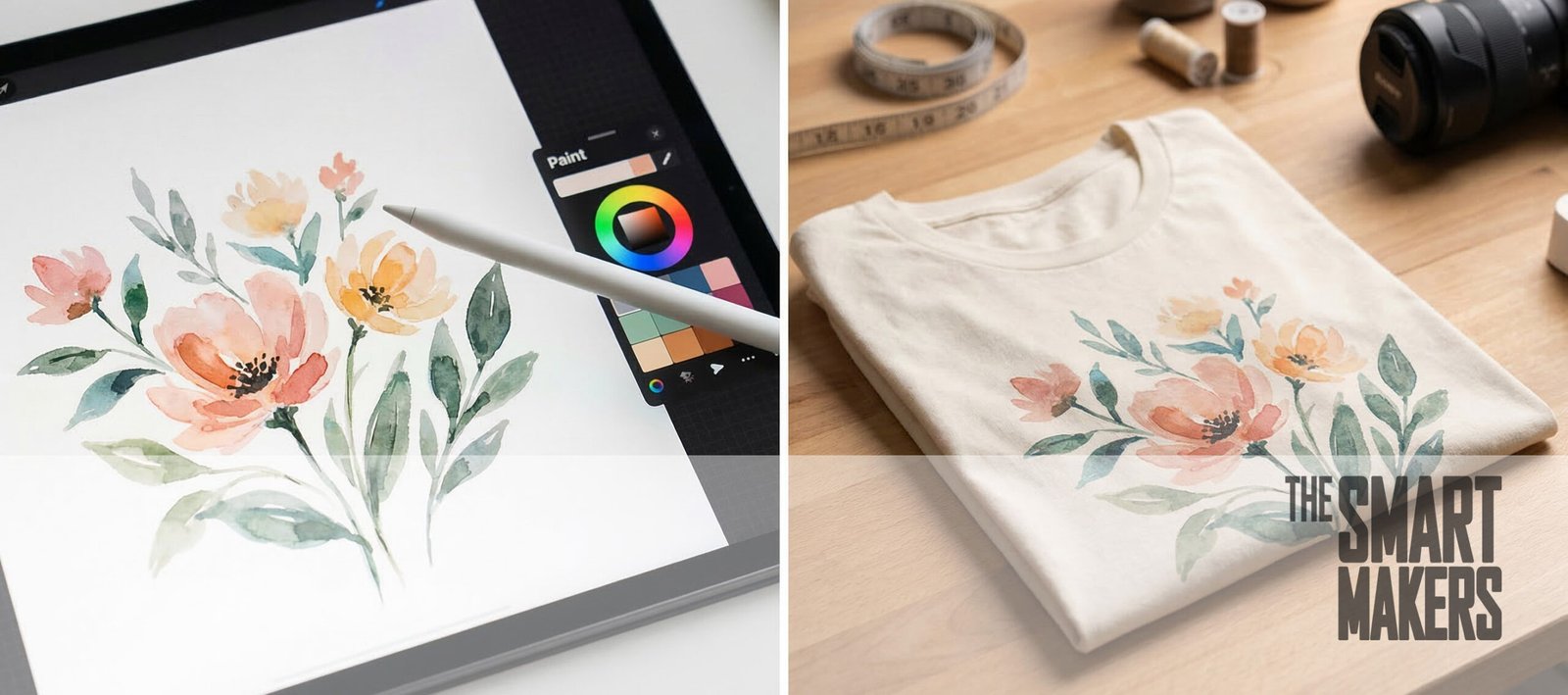
For ideation and rough sketching, I rely on my iPad Pro. It allows me to step away from the studio, sit on the couch, and just draw without the pressure of a “work environment.”
But when it’s time to do the heavy lifting, compositing, final color grading, and prepping massive print files, I move to my PC setup paired with my 16-inch drawing tablet. The tactile feedback and screen real estate are non-negotiable for final production.
My Studio Hardware:
- [Apple iPad Pro & Apple Pencil] – For mobility and casual sketching.
- [XP-Pen Artist 16 Pro (Gen 2) Display Tablet] – The studio workhorse for precision detailing.
- [Ergonomic Mouse / Logitech MX Master] – Because carpal tunnel is a real threat when you run an e-commerce brand.
The Software Stack: The Artist, The Hacker, and The Closer
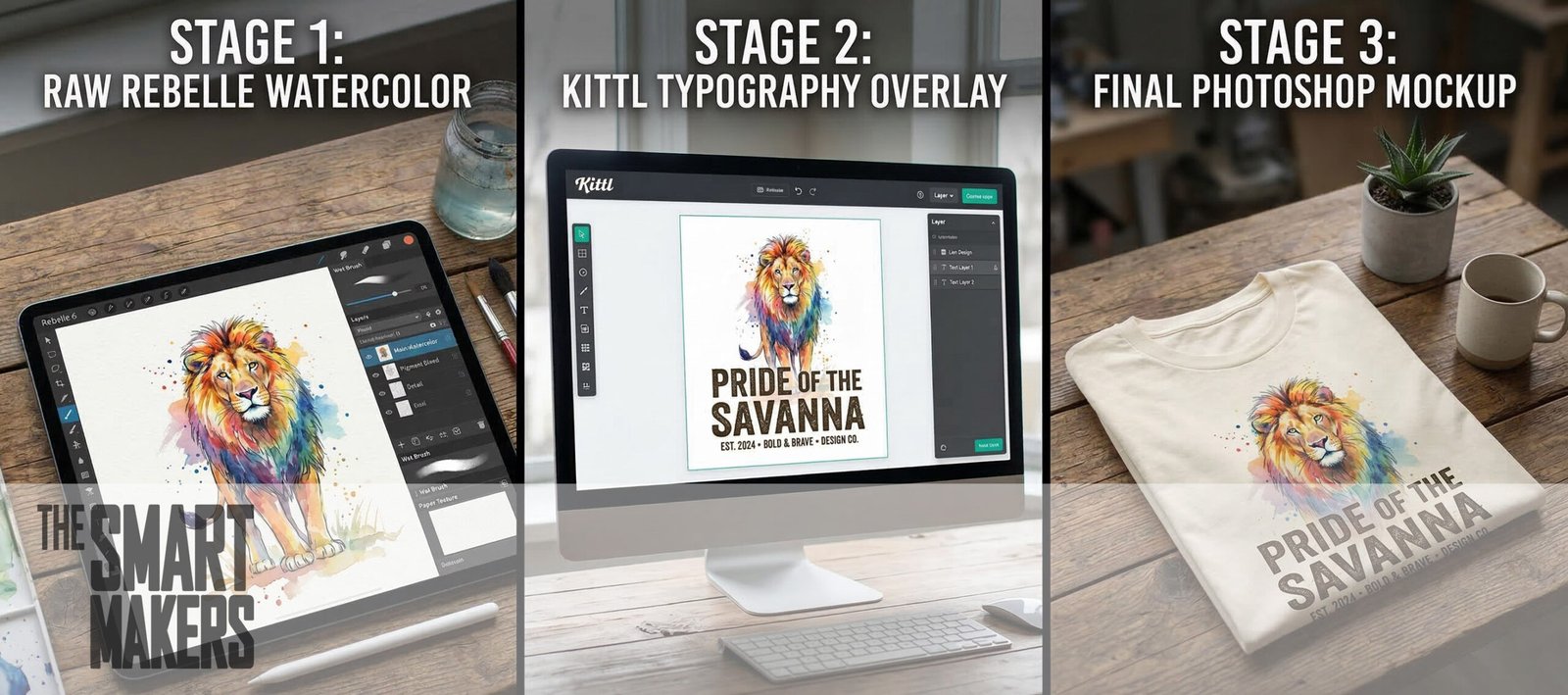
A lot of creators try to force one piece of software to do everything. That’s a recipe for generic-looking merch. In my studio, I divide the labor across three specific tools.
1. Escape Motions Rebelle (The Artist)
The print-on-demand market is flooded with flat, soulless vector art. To make my posters and t-shirts stand out, I want them to look like actual, physical art.
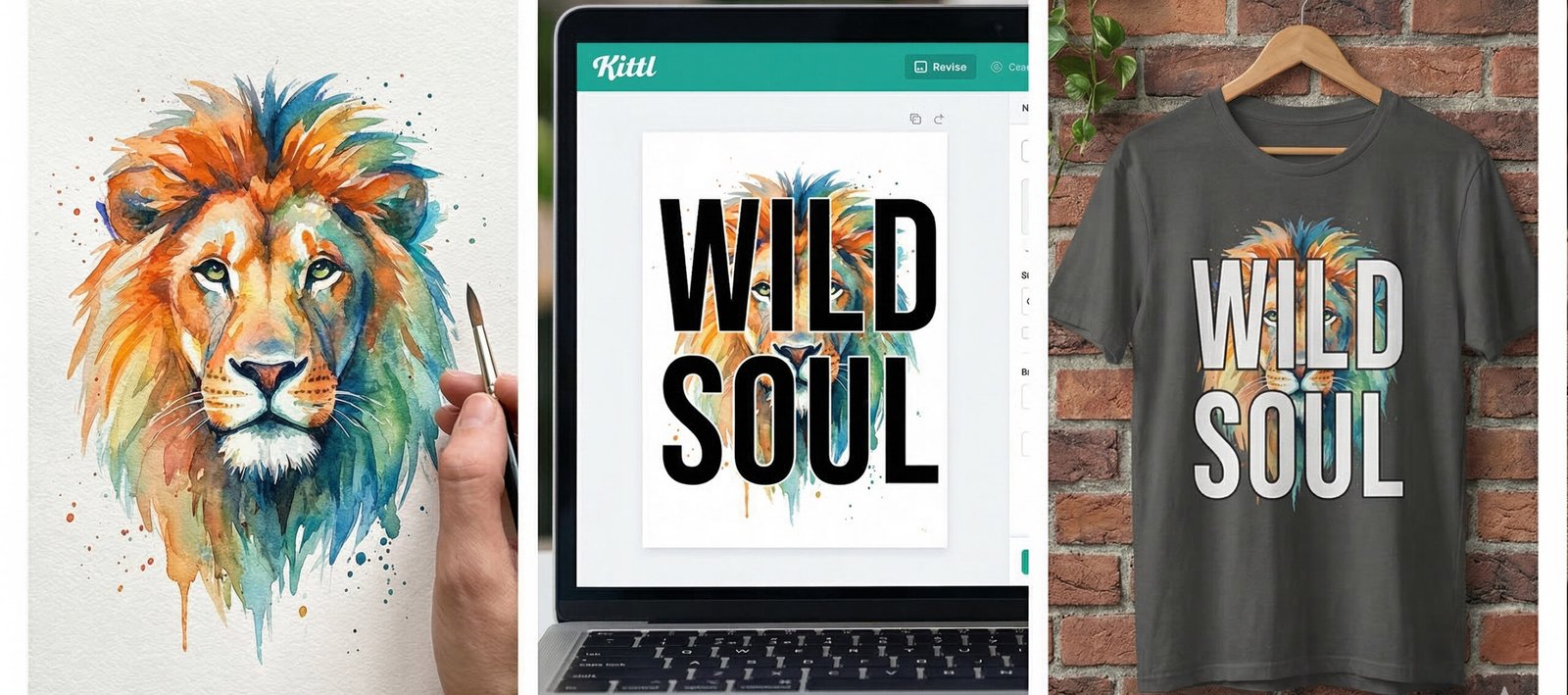
This is where Rebelle comes in. It is, hands down, the best software for generating real-life looking oils, watercolors, and textured sketches. The paint actually bleeds and mixes on the digital canvas. I use Rebelle to create the core emotional asset of the design, the raw, textured illustration that gives the product its soul.
Maker Tip: When painting for apparel in Rebelle, keep your edges relatively clean. Heavy watercolor splatters look beautiful on a poster but can look like a printing error on a DTG (Direct-to-Garment) t-shirt.
2. Kittl (The AI Process Hacker)
Once I have my core illustration, I export it and bring it into Kittl. If you haven’t used Kittl yet, it is an absolute cheat code for e-commerce entrepreneurs.
I use Kittl primarily for its AI features and typography engine. I’ll use its AI upscaling to ensure my Rebelle paintings are high enough resolution for a 24×36 poster without losing fidelity. I also use Kittl’s AI vectorization tools to instantly turn rough sketches into scalable graphics for t-shirts.
Instead of spending two hours manually kerning text around a graphic, Kittl allows me to drag, drop, and warp vintage typography around my artwork in minutes. It completely eliminates the tedious administrative tasks of design.
[Kittl Pro Subscription]
3. Adobe Photoshop (The Closer)
Photoshop is the do-it-all closer. It’s where the final magic happens before a file gets uploaded to my store.
I bring the textured art from Rebelle and the vector/typography elements from Kittl into a final Photoshop document. Here, I color grade the artwork to ensure it will look vibrant when printed in CMYK (never trust your RGB screen colors for a physical product).
Photoshop is where I apply half-tone filters for vintage t-shirt designs, knock out the backgrounds, and export the final, high-resolution transparent PNGs.
[Adobe Creative Cloud / Photoshop]
The Reality of the Hustle
Running a merch brand in 2026 isn’t about getting rich quick; it’s about endurance.
If you are spending 10 hours struggling with a design, you will have zero energy left to deal with customer service, supply chain hiccups, or that soul-crushing Instagram content calendar.
By leaning into a workflow that utilizes specialized tools, like Rebelle for authenticity and Kittl’s AI for speed, you buy back your time. You get to keep the joy of the drawing hobby alive, while actually running a functional business.
Start your 14-day free trial with Shopify here
What’s the biggest bottleneck in your current e-commerce workflow? Is it the design phase, the marketing, or the tech? Let me know in the comments, and maybe we can hack that process in the next post.
About the Author: I am a professional Industrial Designer, e-commerce entrepreneur, and design team manager. With over 20 years of experience bridging the gap between sketching, CAD, and manufacturing, I now explore how Artificial Intelligence is reshaping the way we build physical and digital products.