If I had a dollar for every time a junior designer or student asked me, “Is AI going to take my job?” I could probably fund my own hardware startup by now.
Jokes aside, in 2026, the anxiety is palpable. We are watching AI models generate photorealistic product renders from text prompts in seconds, optimize CAD models for structural integrity, and even write manufacturing documentation. If a machine can do all that, what is left for the human industrial designer?
As someone who manages a team of industrial designers at a large corporation and uses AI daily for design work and also to run my own e-commerce business, I have a front-row seat to this shift.
Here is the honest truth: AI is not replacing industrial designers in 2026. But a designer who uses AI will absolutely replace one who doesn’t.
Here is a breakdown of how the role of the industrial designer is evolving, what AI is actually doing on the studio floor, and why your human skills have never been more valuable.
The Shift: From “Illustrator” to “Creative Director”
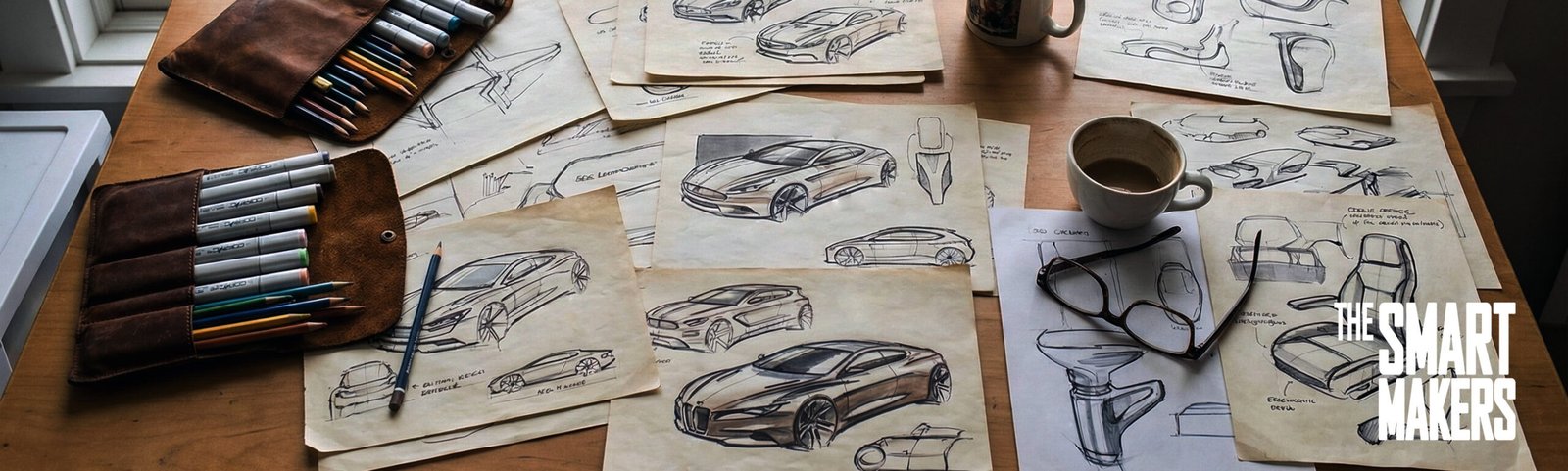
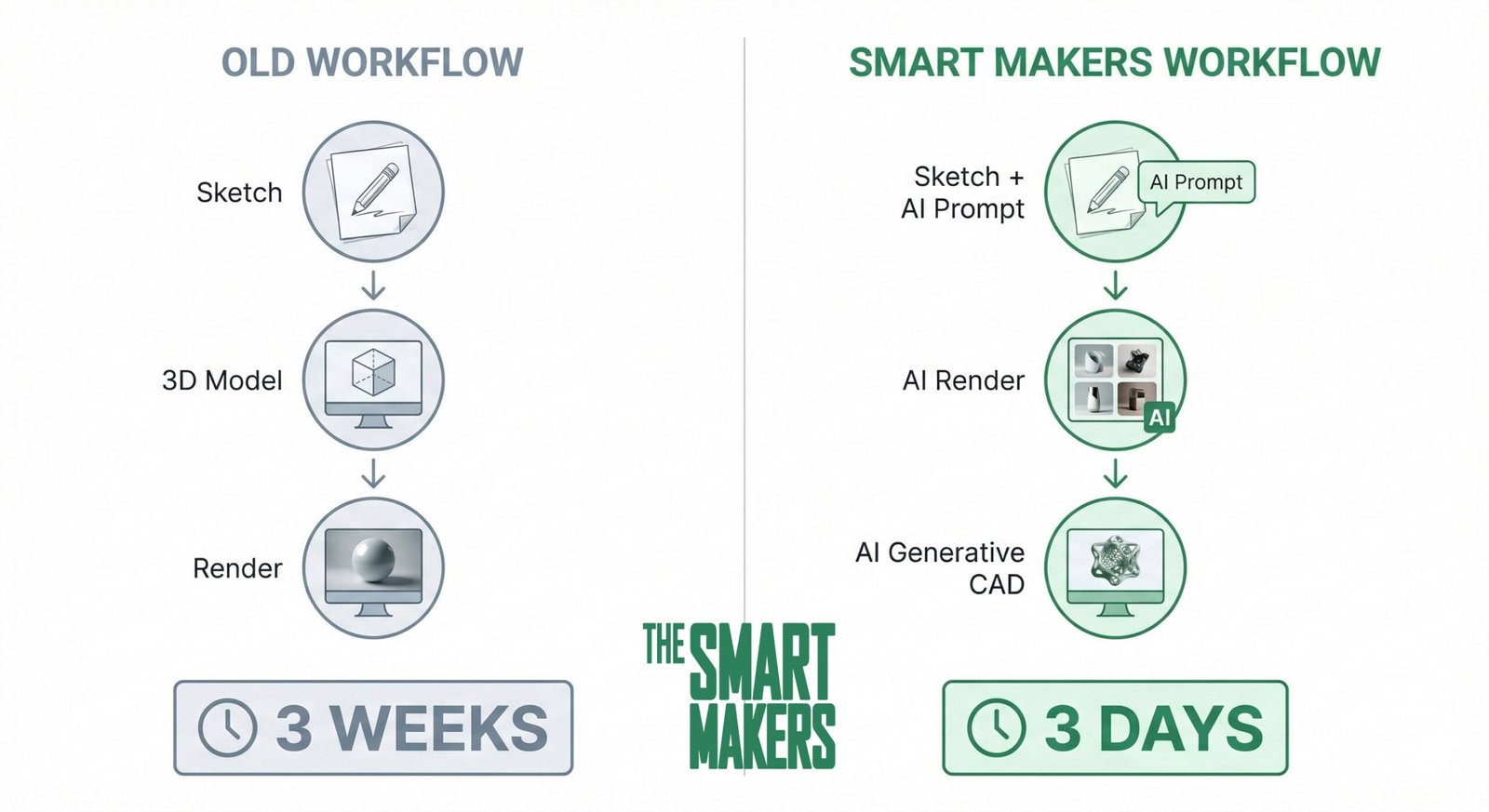
Historically, a massive chunk of an industrial designer’s time was spent on execution. You had the vision in your head, but it took hours to sketch the iterations, days to build the CAD surfaces, and hours to set up the lighting for a client presentation render.
In 2026, AI has commoditized execution. The new role of the industrial designer is shifting rapidly toward curation and strategy.
Tools like Midjourney v6 and Adobe Firefly 2 don’t design for us; they act as our tireless junior assistants. We feed them parameters, and they generate 50 variations of a chair concept in a minute. Our job is no longer to draw all 50 chairs—our job is to have the taste, the ergonomic understanding, and the market awareness to know which one of those 50 chairs is worth manufacturing.
Where AI Actually Dominates in the 2026 Workflow
If you look inside any top-tier design studio today, AI isn’t sitting in the corner doing parlor tricks. It is deeply integrated into the pipeline.
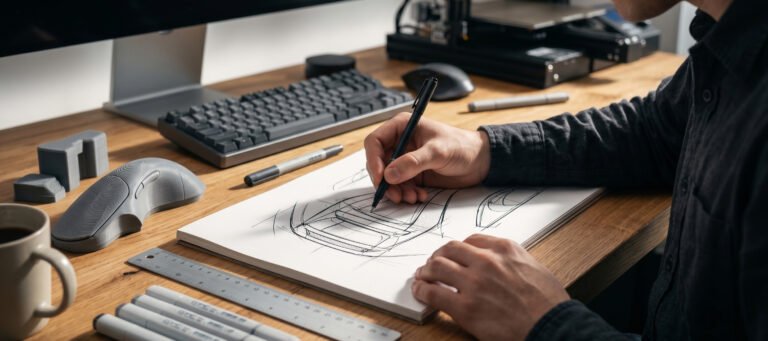
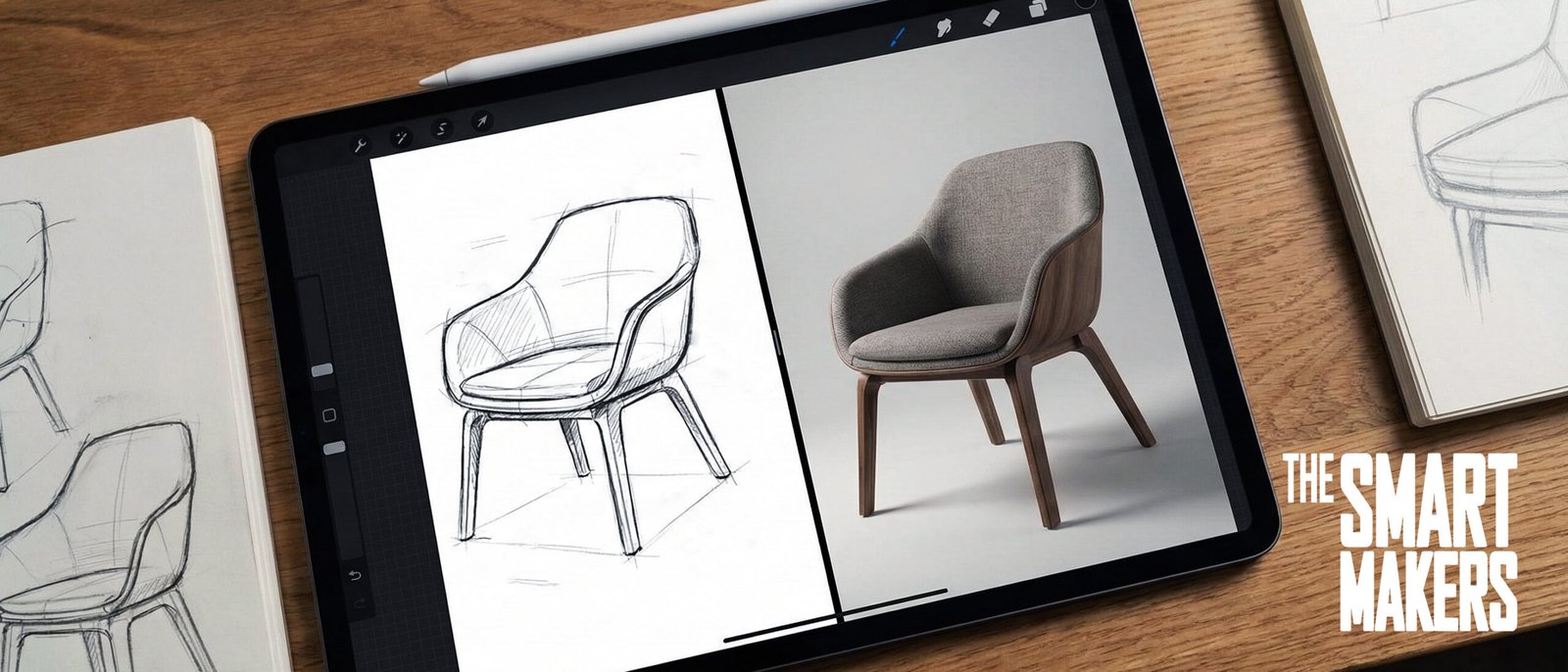
1. Generative Ideation (The Sketch-to-Render Pipeline) We are no longer starting from a blank page. Using AI-assisted software, my team can take a rough, 10-second iPad doodle, apply a text prompt regarding materials (e.g., “brushed aluminum and matte silicone”), and instantly receive a presentation-ready render.
2. Smart Manufacturing & Generative Design This is where AI gets mathematical. We are using algorithms where we input our constraints—like maximum weight, required load-bearing capacity, and manufacturing methods (like 3D printing vs. injection molding). The AI then generates organic, highly optimized internal structures that a human brain would struggle to calculate manually.
3. Data-Driven Material Selection AI agents are now analyzing global supply chains and ecological data in real-time, suggesting alternative, sustainable materials for our products before we even finalize the CAD.
The Human Element: What AI Can’t Do (And Why You Are Safe)
If AI is so smart, why are companies still hiring industrial designers? Because physical products are used by physical humans in a messy, unpredictable real world.
Here is what the algorithm cannot replicate:
- The “Factory Floor” Intuition: An AI might design a theoretically perfect part, but a veteran designer knows that a specific manufacturer in Shenzhen is going to struggle with that specific draft angle.
- Empathy and Ergonomics: An AI does not know what a handle feels like when your hands are cold and wet. It doesn’t understand the satisfying tactile “click” of a well-designed button.
- Cultural Nuance: AI relies on historical data. It struggles to anticipate sudden, emotion-driven cultural shifts in consumer behavior.
The Verdict: How to Future-Proof Your Design Career
The industry is experiencing a massive evolution, not an extinction. To thrive in 2026 and beyond, you need to stop competing with AI on speed and start leveraging it for scale.
- Master Prompting and AI Tools: Start integrating tools like Adobe Creative Cloud’s AI features, Canva Magic Studio for your pitch decks, and AI rendering plugins into your daily routine. [Affiliate Link Opportunity: Link out to the software subscriptions you recommend].
- Focus on Empathy: Spend more time understanding psychology, user testing, and physical prototyping.
- Build Real Things: The best way to prove your value is to bring a product to market. (It’s exactly why I use AI to rapidly design and test products for my own e-commerce store—which runs seamlessly on [Affiliate Link to Shopify/Ecommerce platform]).
The designers who will lose their jobs in 2026 are the ones who refuse to adapt. The designers who embrace these tools are about to become a one-person powerhouse.
Which side of the drafting table will you be on?
About the Author: I am a professional Industrial Designer, e-commerce entrepreneur, and design team manager. With over 20 years of experience bridging the gap between sketching, CAD, and manufacturing, I now explore how Artificial Intelligence is reshaping the way we build physical and digital products.
- The 2026 iF Design Awards Prove We Are No Longer the Benchmark (And That’s a Good Thing)
- Why I Don’t Care Where You Went to Design School
- The Reality of the “Dream Job”: Is Industrial Design Still Worth It?
- Designing the Antidote: How Societal Exhaustion is Shaping the Next Era of Industrial Design
- 6 Jaw-Dropping Hardware Drops from MWC 2026